ShopDot Live Recap: Watch the Fall Release Sessions
ShopDot Live ran September 29–30, 2026, as two one-hour sessions. Day 1 is the fall release: what's new, why we built it, and what it changes in your business. Day 2 is the working session, where we built a real pet pro's storefront from start to finish in about fifteen minutes. Both recordings are in one playlist below.
Watch with a laptop open. Everything on screen can be followed step by step, for a first store or for one you set up months ago.
Day 1: The fall release changes how a storefront starts
Every new storefront now opens with the full catalog
Building a store product by product was the step that stopped most pet pros from going live. New storefronts now open stocked with the full catalog: more than 200 brands and thousands of products. Anything you wouldn't recommend, you hide in a click, by product or by brand.
Michelle Huie, ShopDot's CEO & Founder, explained the thinking on Day 1: when a client searches your store, "they're not limited to what you thought you added." Your homepage stays the place where you curate and tell your story. The rest of the catalog sits behind it for the client who needs something specific.
Brands ship each order directly to your client, so there's no stock to hold. More on how that works: selling pet products with no inventory.
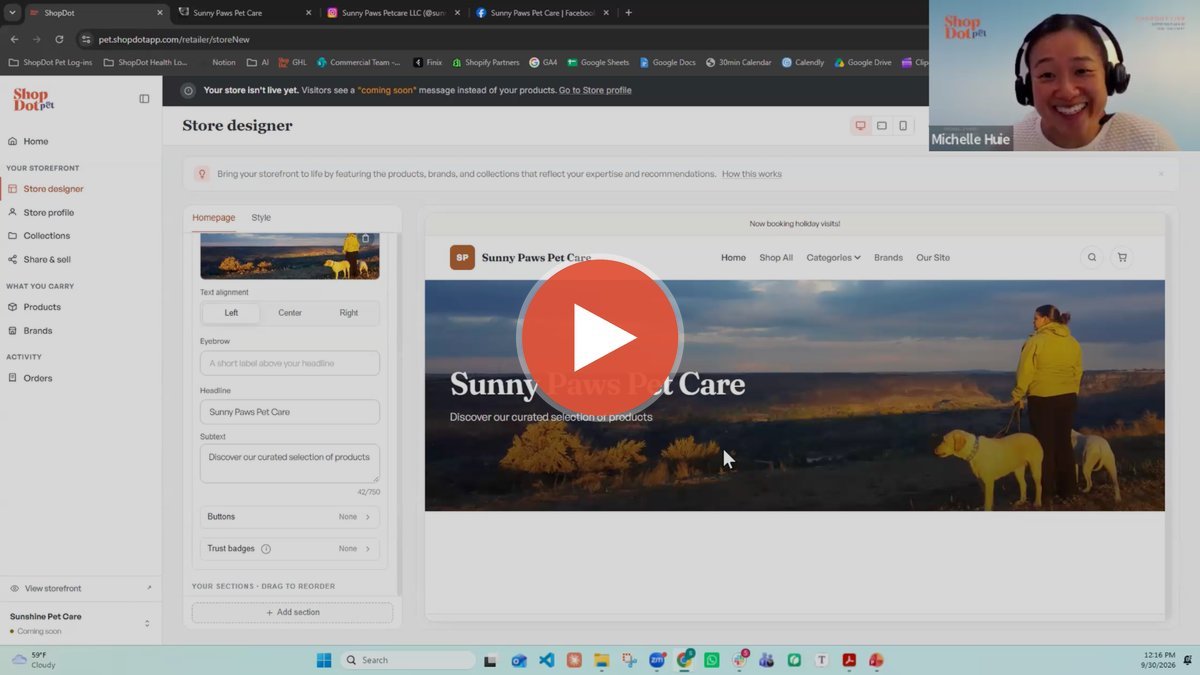
The store designer makes your storefront look like your business
The store designer controls the homepage, which Michelle calls your prime real estate. It's the first thing a client sees.
- Announcement bar — a short greeting or a note like "Now booking holiday visits"
- Navigation link — add one link out, such as your booking page or a nonprofit you support
- Main banner — an image, a split layout, or a color block
- Middle sections — featured brands, featured products, meet the team, image with text, special offer; drag them into any order
- Footer — phone, email, website and social links
- Style — button colors and three font options, previewed on desktop, tablet and phone
Your logo, favicon (the small icon in a browser tab), website and social links live in Store Profile and flow through the whole storefront. Every store starts as Coming soon and goes live when you flip the toggle. As Michelle put it, "you can't really mess it up."
Collections put the products you recommend every week behind one link
A collection groups products around a need: a new puppy, a senior dog, a training level, your staff's favorites. Every collection now takes a cover image. Upload your own photo or pick one of the stock images. You can send a client a single collection, or a single product, and they land on exactly what you recommended.
Ideas that came up across both days:
- Training levels — Jess Okon suggested building a collection per class, so a level-one sign-up gets a school supply list
- Staff favorites — clients connect with different people at the front desk
- Wellness needs — dental, anxiety, senior care
- Boredom busters — snuffle mats, puzzle toys, enrichment
- New pet needs — for adoptions and new puppies
Two pet pros showed how it works inside a real business
On Day 1, Shannon Rickman, ShopDot's business development director, sat down with two guests who have spent their careers in pet care.
Jess Okon is executive director of the International Association of Canine Professionals. She has worked in grooming, training, daycare and boarding, and on the brand side at Blue-9. There she fielded long calls from people whose trainer had told them to "call the company" about a harness. Her advice to trainers: build the equipment you train with into your program, so clients buy it through you and stay with you longer.
Eve Molzhon founded Fun for Pets, the dog school of Minnesota; Possum Pets Country Club; Dog Handler Academy; and the rescue Second Chance to Shine. Her wall space holds only so many collars, so when a client wanted a Two Hounds harness in a bright orange she doesn't stock, Eve ordered it through her storefront. It shipped to the facility, and her team fitted it at drop-off as part of the visit.
For the rescue, Eve curates donations dog by dog: heavy chewers get durable toys, seniors get soft food, and supporters can shop "Rocky's favorite toys." Each order also sends commission back to the rescue. More on that model: how rescues and shelters fundraise with a curated product store.
Day 2: Elsy's storefront went from blank to live in about 15 minutes
Elsy runs Sunny Paws Pet Care in Southern Idaho: dog walks, hikes, boarding, in-home care, plus pet portraits. She joined ShopDot two days before the session and volunteered her business for the build. Michelle built it live from Elsy's worksheet.
| Step | What we did | Video time |
|---|---|---|
| Worksheet | Five products Elsy recommends most, two lines about her, collection ideas | 11:30 |
| Announcement bar | "Now booking holiday visits" | 13:40 |
| Navigation | A link out to her website | 14:20 |
| Banner | Her own photo, left-aligned copy | 15:00 |
| Featured brands | Two Hounds, Blue-9, Soda Pup and more | 17:40 |
| About section | Image with text, using her bio | 20:30 |
| Store Profile | Logo, favicon, website, Instagram, Facebook | 23:00 |
| Collection | "Back to Pet Ownership" — enrichment toys and snuffle mats, with a cover photo | 27:30 |
| Go live | Coming soon → Live | 34:30 |
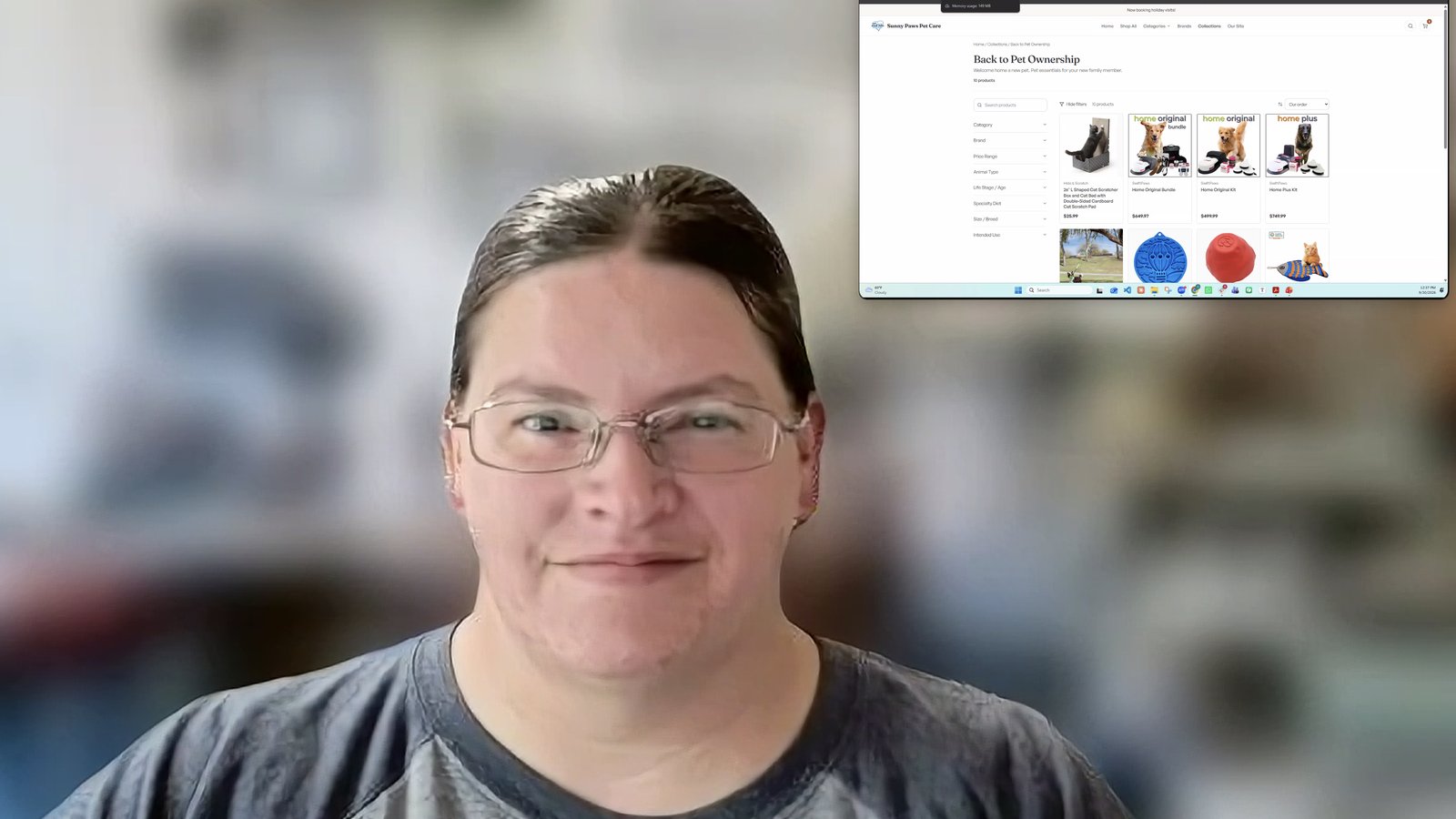
The collection came from Elsy's clients: people whose last pet passed, who took a break, and came back to find the products had changed.
Then Jolanta Smulski, the session host, showed where the link goes once a store is live: a Shop item in the website menu, the shareable graphic and caption on Instagram and Facebook, and a QR code clients can scan from a post or a business card. Everything you need for that sits on the Share and Sell page in your portal.
Already have a storefront? Check two settings
Your store stayed exactly as you built it. We didn't change anyone's product selections.
- Hidden tab. Everything you hadn't added is waiting there. To put the full catalog on your store, select all and unhide.
- Store Profile → Product Management. The setting that adds newly available brands and products to your store automatically is off for existing storefronts. Turn it on if you want new arrivals to show up on their own.
Michelle walks through both near the end of Day 2 (37:30).
FAQ
Is ShopDot free for pet pros?
Yes. There's no setup fee and no monthly fee. ShopDot keeps 15% of your commission as its platform fee, taken at payout. Payouts arrive by the 10th of the following month for orders that have shipped. See pricing.
What if a brand I recommend isn't on ShopDot?
Email the team. They contact the brand and work on bringing it on, and an introduction from you can speed that up.
Who sets the prices?
The brand. Storefronts show each brand's published retail price.
How do clients find my storefront?
Through you. Share the link where clients already see you: your website menu, social bios, follow-up texts, your Google Business Profile, or a QR code at the front desk.
Your recommendations deserve a place to live
Start your storefront, or open the one you have and try one thing from the sessions this week. Here's how pet pros earn from the products they recommend.
See how it works for pet pros